
Voice Navigation Commands
Address and Destination Input
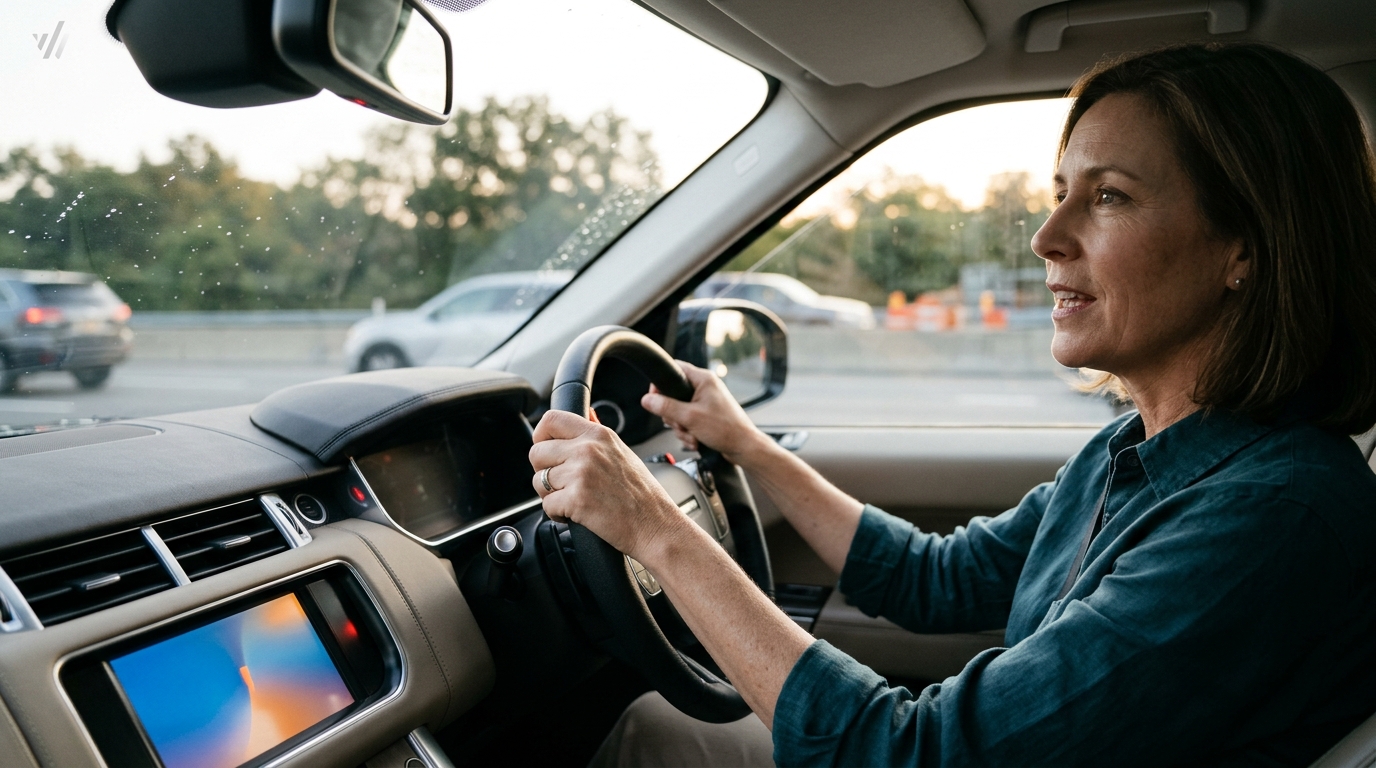
Entering a specific address via voice is straightforward. You can say "Set destination to 123 Main Street" or "Go to the nearest gas station." If the system mishears the input, it will typically ask for clarification. This back-and-forth is safer than typing, as it allows the driver to keep their gaze forward. WhereY'at Inc. emphasizes that navigation should remain the primary focus of the voice assistant, with secondary tasks handled only when safe. For additional details, review the whereyatinc com.
Route Modification
Drivers can change their route mid-trip by saying "Avoid highways" or "Prefer scenic route." These commands help manage travel time and comfort. For commercial drivers, avoiding certain road types can be a strategic choice. The system will update the map and provide a new estimated time of arrival (ETA) verbally. This immediate feedback loop is critical for maintaining situational awareness. For additional details, review the .
Music Control Phrases
Playback Management
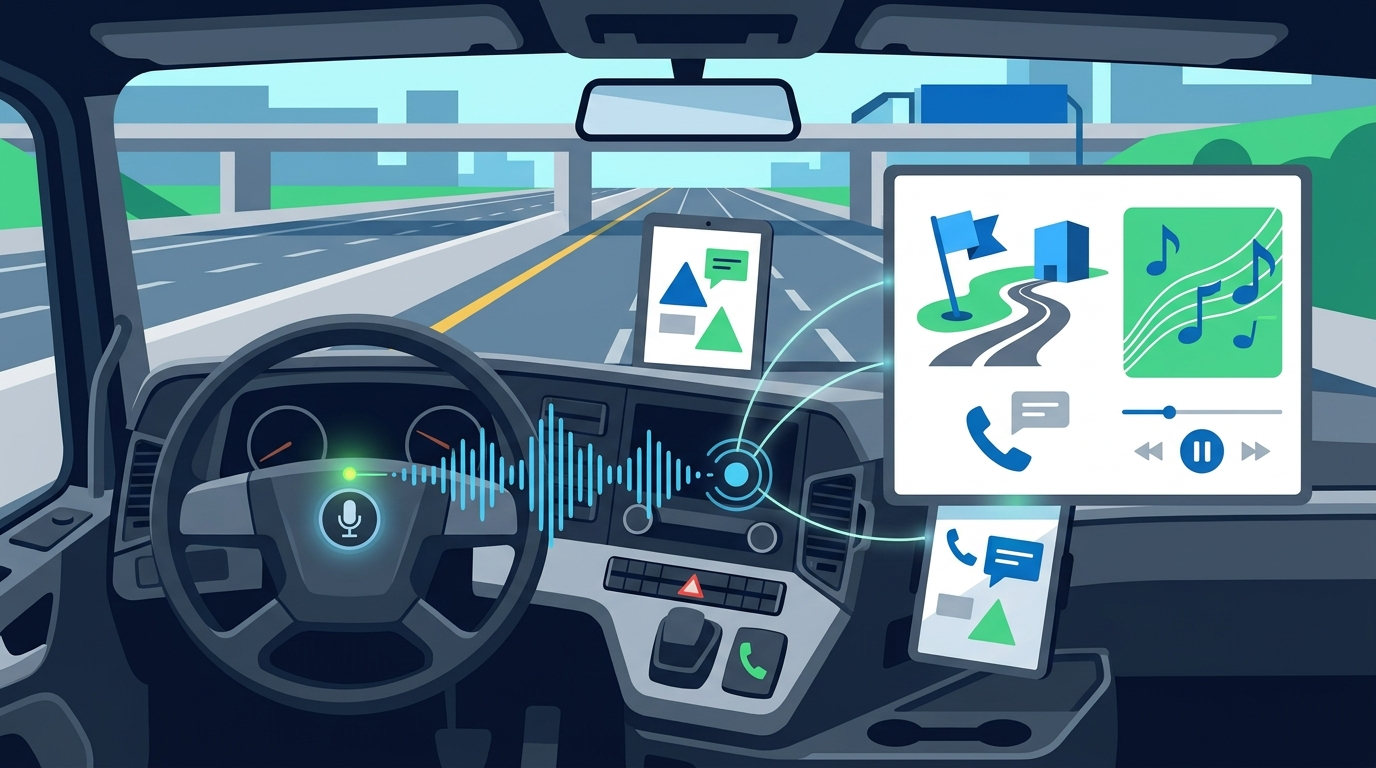
Managing playback is essential for maintaining focus. If a song is too distracting, a driver can say "Skip" or "Change song." Volume control is also available via voice, such as "Turn up the volume" or "Lower the volume." This granular control ensures that audio levels remain appropriate for the driving environment. WhereY'at Inc. recommends keeping music at a moderate volume to ensure that important navigation cues and external sounds, like sirens, are clearly audible. For additional details, review the Customer Experience.
Search and Discovery
Safety Protocols and Best Practices
Voice assistant safety is the set of guidelines that ensure the use of voice commands does not compromise driving attention. While hands-free, voice interaction still requires cognitive engagement. Drivers should use short, clear commands and avoid complex, multi-step requests. It is also important to minimize background noise, which can interfere with speech recognition. WhereY'at Inc. advocates for a "one task at a time" approach, where the driver focuses on either navigation or music, not both simultaneously. For additional details, review the Frequently Asked Questions.
Cognitive Load Management
Cognitive load is the amount of mental effort required to process information. High cognitive load can lead to slower reaction times and increased error rates. To manage this, drivers should use simple commands and avoid asking the assistant to perform multiple actions in one sentence. For example, instead of saying "Play music and navigate to the airport," it is safer to say "Navigate to the airport" and then, once the route is set, say "Play music." This sequential approach reduces the mental burden on the driver. For additional details, review the About.
Environmental Factors
Environmental factors, such as wind noise or loud passengers, can degrade voice recognition accuracy. Drivers should close windows and reduce passenger conversation when issuing voice commands. If the system does not recognize a command, it is safer to pull over and use the screen than to repeat the command multiple times while driving. WhereY'at Inc. reminds drivers that safety always takes precedence over convenience. If a command is not working, it is better to stop and address the issue manually.
Fleet and Municipal Integration
Fleet voice integration is the use of voice commands to manage both navigation and operational tasks, such as reporting road hazards. For trucking companies and delivery fleets, this integration is critical for maintaining efficiency and safety. Drivers can use voice commands to report potholes or road hazards without taking their hands off the wheel. These reports are then sent to the relevant municipality for review and action. WhereY'at Inc. provides a platform that connects these reports to the right authorities, ensuring that road issues are addressed promptly.
Hazard Reporting via Voice
Reporting a hazard via voice is a simple process. A driver can say "Report pothole" or "Report road hazard." The system will capture the location and type of hazard and send it to the appropriate municipal channel. This hands-free reporting ensures that drivers can continue their route without distraction. For municipalities, this data provides a real-time view of road conditions, allowing for faster response times. WhereY'at Inc. tracks these reports from submission to completion, providing a clear audit trail for both drivers and city officials.
Operational Efficiency
Key Takeaways
- Voice navigation allows drivers to set destinations and modify routes using simple, natural language commands.
- Music control via voice enables drivers to manage playback, volume, and track selection without touching a screen.
- Safety protocols emphasize short, clear commands and minimizing background noise to ensure accurate recognition.
- Cognitive load should be managed by performing one task at a time, such as navigation before music.
- Fleet drivers can use voice commands to report road hazards, which are then sent to municipalities for action.
- WhereY'at Inc. integrates hands-free reporting into the driving workflow, enhancing safety and efficiency for both drivers and city officials.
- Environmental factors, such as wind and passenger noise, can affect voice recognition accuracy and should be managed accordingly.
Frequently Asked Questions
What are the most common voice commands for navigation?
How can I control music using voice commands?
You can control music by saying commands like "Play [artist]," "Next track," "Pause," or "Turn up the volume." These commands are supported by most in-car systems and smartphone apps.
Is it safe to use voice commands while driving?
Yes, it is generally safer than using a screen, as it keeps hands on the wheel. However, drivers should use short, clear commands and minimize background noise to ensure accurate recognition.
Can I report road hazards using voice commands?
How does WhereY'at Inc. integrate with voice assistants?
WhereY'at Inc. integrates with voice assistants by allowing drivers to report hazards hands-free. This ensures that drivers can continue their route without distraction, while municipalities receive real-time data on road conditions.
What should I do if the voice assistant does not recognize my command?
If the voice assistant does not recognize your command, it is safer to pull over and use the screen than to repeat the command multiple times while driving. This ensures that you do not become distracted or frustrated. Learn more: whereyatinc com.