

Voice Assistant Commands
Voice assistant technology is a software interface that allows users to control digital devices through spoken language. Modern in-car systems rely on these interfaces to reduce cognitive load. The specific phrasing required depends on the operating system installed in the vehicle or the connected mobile device. For additional details, review the whereyatinc com.
Apple CarPlay and Siri
Drivers using Apple devices can activate Siri by saying "Hey Siri" or pressing the physical voice command button on the steering wheel. To ask for directions, say "Hey Siri, navigate to [Address]." To change the destination, say "Hey Siri, change destination to [New Address]." For music, say "Hey Siri, play [Artist or Song Name]." These commands work seamlessly with the CarPlay interface, displaying the map on the dashboard while the driver keeps hands on the wheel. For additional details, review the .
Android Auto and Google Assistant
Native Infotainment Systems
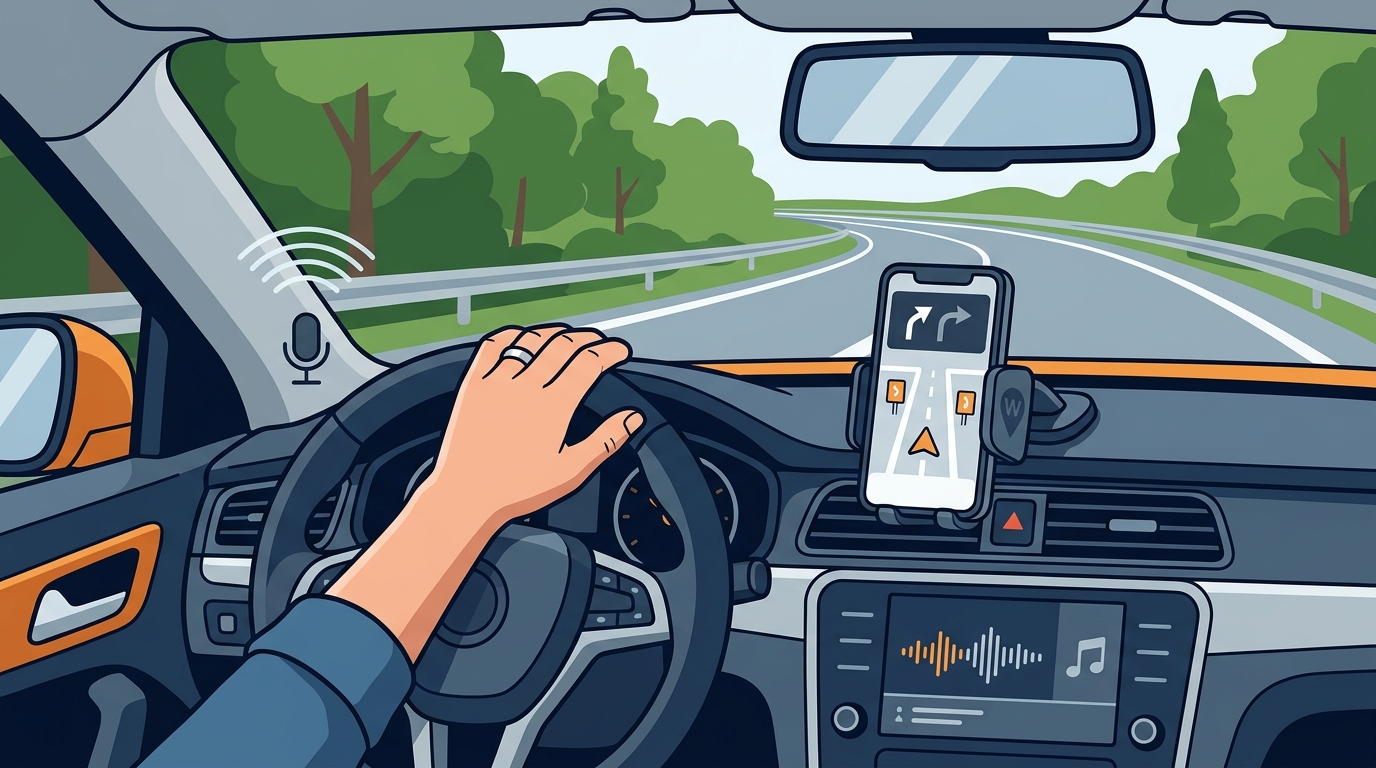
Hands-Free Navigation
Managing Route Changes
Changing a destination while driving requires precise verbal commands. If the initial route is no longer valid, say "Change destination to [New Address]." The navigation system will recalculate the route and provide new turn-by-turn directions. For fleet drivers, this ensures that delivery schedules remain accurate without manual map input. The system typically confirms the new route with a brief audio summary. For additional details, review the Customer Experience.
Audio and Music Control
Controlling music without touching the screen is essential for maintaining focus. Drivers can say "Next track" or "Previous track" to skip songs. To adjust volume, say "Volume up" or "Volume down." For specific requests, say "Play [Artist Name]." This allows drivers to curate their audio environment while keeping their attention on traffic conditions. The integration of audio control with navigation ensures that turn-by-turn directions are not interrupted by music playback. For additional details, review the Frequently Asked Questions.
Reporting Road Hazards
| Task | Apple CarPlay Command | Android Auto Command |
|---|---|---|
| Start Navigation | "Hey Siri, navigate to [Address]" | "OK Google, navigate to [Address]" |
| Change Destination | "Hey Siri, change destination to [Address]" For additional details, review the About. | "OK Google, change destination to [Address]" |
| Play Music | "Hey Siri, play [Artist/Song]" | "OK Google, play [Artist/Song]" |
| Adjust Volume | "Hey Siri, volume up/down" | "OK Google, volume up/down" |
Key Takeaways
- Voice assistants like Siri and Google Assistant allow drivers to manage navigation and music without touching a screen.
- Specific phrasing is required for changing destinations, such as "change destination to [Address]."
- Hands-free navigation reduces visual distraction, improving safety for all drivers.
- WhereY'at Inc. integrates voice-activated hazard reporting with navigation for fleet and municipal use.
- Audio control commands like "next track" and "volume up" help maintain focus on the road.
- Fleet drivers benefit from hands-free workflows that keep delivery schedules accurate and safe.
- Regularly updating navigation software ensures compatibility with the latest voice command features.
Frequently Asked Questions
How do I change my destination using voice commands?
Say "Change destination to [New Address]" to your voice assistant. The system will recalculate the route and provide new directions.
Can I control music while navigating?
Yes, you can say "Play [Artist or Song]" or "Next track" to control music without interrupting navigation directions.
What is hands-free navigation?
Does WhereY'at support voice commands?
How do I report a pothole without touching my phone?
Use the voice command feature in the WhereY'at Inc. app to report road hazards. The report is sent to the municipality for review.
Which voice assistant is best for driving?
Both Siri and Google Assistant are effective for driving. Choose the one that matches your device and vehicle infotainment system.
Can I use voice commands in any car?
How does WhereY'at help municipalities?
WhereY'at Inc. provides a platform for municipalities to review, assign, and track road hazard reports submitted by drivers. Learn more: whereyatinc com.